
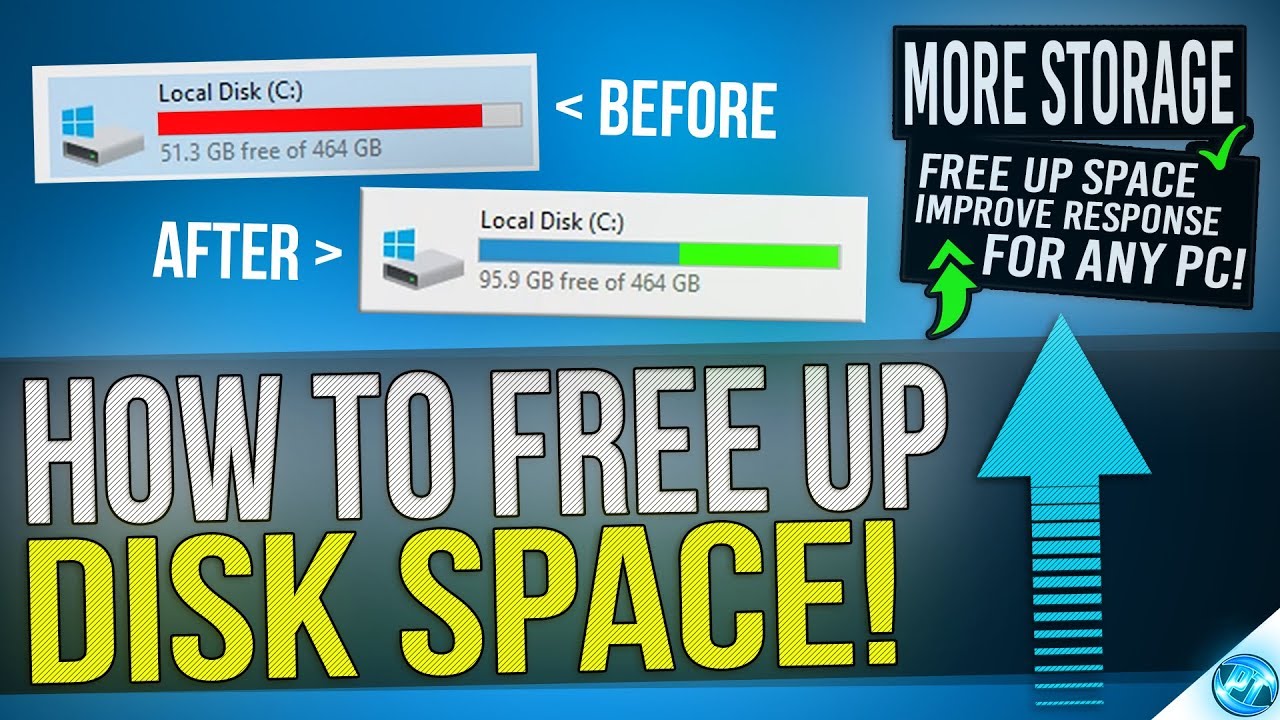
There are many steps to convert your slow system to a faster system.
1. Delete All Temp Files: (Using Run Command)
- Open Run Command Using Win+R Key.


- Select all files (using the Ctrl+A key) and delete them.

2. Delete All Prefetch Files :( Using Run Command)
-Open Run Command Using Win+R Key.
-Type Prefetch and click ok. then click Confirm.

 -Select all files (using the Ctrl+A key) and delete them.
3. Delete %temp% file: (Using Run Command)
-Open Run Command Using Win+R Key.
- Then type %temp% and click ok.

- Then select all and delete them.

- Open Run Command Using Win+R Key.
- Type recent and click ok.

- Select All (Using Ctrl+A) And Delete them.
5. Clean Disk Using Cleanmgr:
- Open Run Command Using Win+R Key.
- Type Cleanmgr and click ok.

- Select the drive which you want to clean and click ok.
- Then It will take some seconds to find unnecessary files.
- Then Check the All box and click delete.
